A vLLM server can reject a model that looks small enough on paper. People count weights and stop there. Serving also needs room for activations, runtime overhead, and the KV cache that holds live request context. The fix depends on which part is tight, so changing random flags is a good way to waste an afternoon.
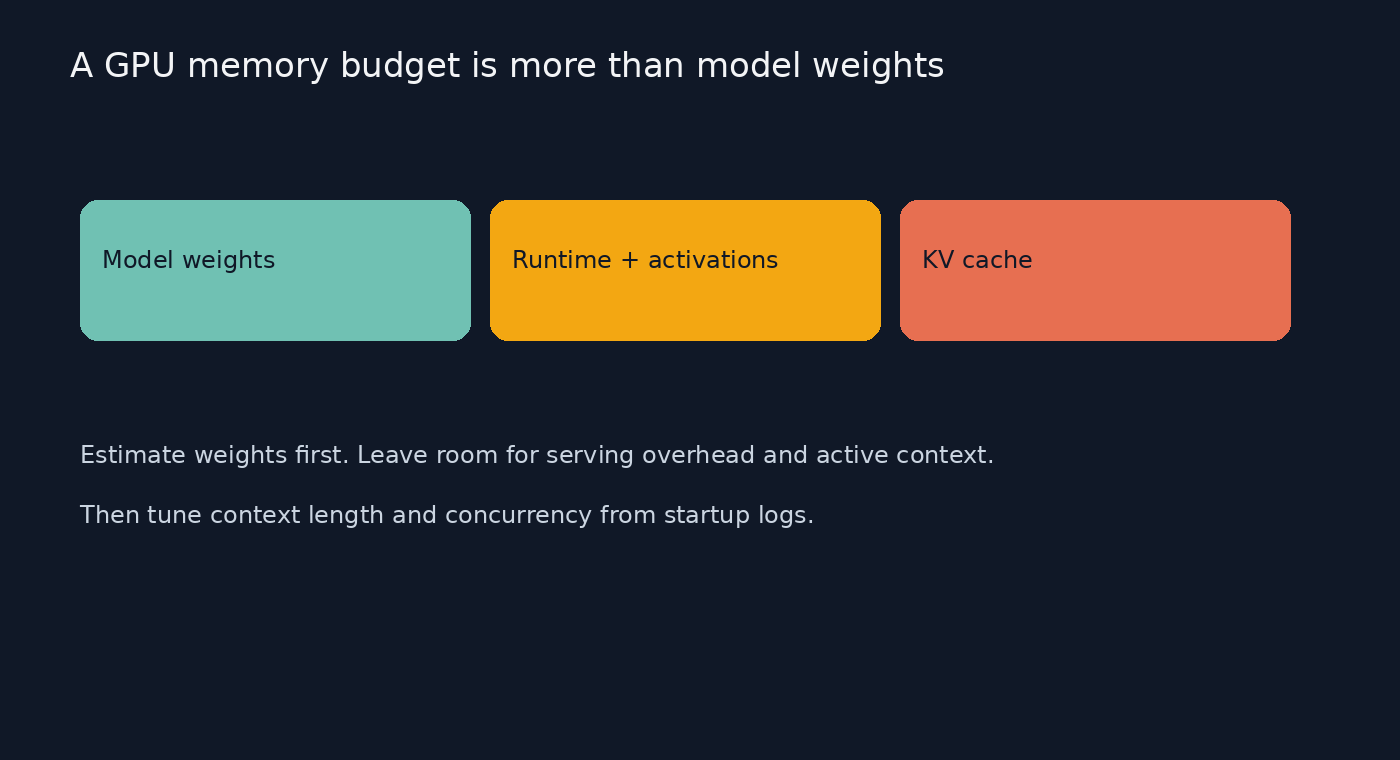
The useful mental model is a budget, not a single model-size number. A 4-bit checkpoint for a 7-billion-parameter model has a rough weight floor around 3.5 GB in decimal units, before scales, metadata, runtime allocation, and cache. That estimate only answers whether the weights might fit. It does not promise that the server can load them, accept a long prompt, or handle several requests at once.
The difference matters in practice. vLLM can load weights successfully and still have little KV cache left. Then a long context or a burst of simultaneous requests can trigger preemption, reduced concurrency, or an out-of-memory failure. A huge context window in the model card is a maximum capability, not a sensible default for every deployment.
Estimate the weight floor before launch
Start with the exact checkpoint you intend to serve. For a rough first pass, multiply parameter count by bytes per parameter: FP16 is about 2 bytes, 8-bit about 1 byte, and 4-bit about 0.5 byte. Treat these as lower bounds. Quantized formats add scales and metadata, while framework buffers and CUDA allocations need their own space. The actual loaded weight allocation is the number to trust, not the napkin estimate.
For a 7B model at 4-bit, the arithmetic gives roughly 3.5 GB of raw weights. For 14B, it gives roughly 7 GB. Neither number includes the cache or runtime. Leave headroom and check the checkpoint's format and serving backend. A quantized file that fits on disk can still expand into a larger working allocation or use a format the backend does not support.
If the weight floor alone is near or above usable VRAM, reducing context length will not solve the core problem. Choose a smaller model, a supported quantized checkpoint, or more GPU memory. If weights clearly fit but startup fails during profiling, context, batch sizing, or competing processes are better suspects.
Read the memory budget before changing flags
The official vLLM engine arguments define the gpu-memory-utilization option as the fraction of GPU memory available to that model executor. The documented default is 0.92. It is a per-instance limit, not a magic reservation that accounts for every other process on the card. If a desktop, another model, or a second server shares the GPU, inspect actual free memory before launch.
the max-model-len option caps the combined prompt and generated output length. If the model advertises a 32K context but your app only needs 4K, set a smaller cap. That does not remove the weights; it reduces the maximum cache demand per request and can let vLLM allocate more usable KV cache for concurrency. The official memory guide demonstrates max_model_len=2048 and recommends limiting max_num_seqs when memory is tight.
A simple first launch might look like this:
vllm serve Qwen/Qwen3-8B \
  --max-model-len 4096 \
  --max-num-seqs 4 \
  --gpu-memory-utilization 0.90
Treat these values as a starting profile, not universal settings. The supported model, GPU, quantization, and vLLM release all matter. Begin with the smallest context and concurrency your real workload needs, then increase one at a time while measuring quality, throughput, and memory.
A useful diagnostic loop is straightforward. Record free VRAM before starting. Launch with a realistic context cap. Save startup logs and note how much memory vLLM assigns to weights, activations, and KV cache. Send a representative request, then increase input length or concurrent requests until the first failure. Change only the setting linked to that failure and repeat the same test.
If startup says it cannot allocate the minimum cache, lower the max-model-len option first if your requests allow it. If the server starts but concurrency is poor, cap the max-num-seqs option to the traffic you need or use a smaller context. If another process consumes GPU memory, stop or relocate it rather than masking the conflict with increasingly aggressive settings. Raising utilization toward 1.0 may help in a dedicated, stable environment, but leaves less room for unexpected allocations.
What the numbers do and do not tell you
One live vLLM forum report showed a 14.56 GiB card with utilization set to 0.90, yielding a 13.11 GiB executor budget. The reported model weights used 6.02 GiB, while the KV cache received 5.83 GiB after other profiled memory was accounted for. Those figures are specific to that model and setup, not a template for yours. They show why total VRAM minus weights is not a safe estimate of request capacity.
Keep prompt caching and GPU KV cache separate in your diagnosis. Prompt caching can reuse matching prompt prefixes at an API or serving layer, depending on the system. The GPU KV cache stores attention state for active sequences. They can both reduce repeated work, but one does not automatically fix the other's memory pressure. Our KV-cache compression trade-offs article covers a research approach to the latter, while this guide is about fitting and sizing a vLLM server.
The practical rule: measure startup allocation, then tune context and concurrency to the requests you actually serve. Quantization helps when weights dominate. It is a poor first move when the cache or a second process is the real problem. Keep the test small, change one knob, and preserve the logs. That turns “the GPU is too small” into a diagnosis you can repeat on the next model.
Sources
- vLLM engine arguments: definitions for GPU memory utilization and maximum model length
- vLLM memory conservation guide: context, batch sizing, and memory reduction options
- vLLM memory budget discussion: example startup allocation logs for a 14.56 GiB GPU