Flowise is the kind of tool that can become invisible infrastructure. A team draws a few nodes, points them at a model and a vector store, then moves on. The workflow keeps answering questions for months. That makes the project's shutdown more dangerous than a normal product announcement. The thing you need to migrate is often the thing nobody remembers how to rebuild.
The Flowise team says active feature development stopped on July 29, 2026. The GitHub repository was scheduled for public archival on August 10, 2026, with issues and pull requests locked and the npm packages and Docker images marked deprecated. Official core-team support ends on August 31. The code remains available under the Apache 2.0 license, so an existing installation does not suddenly stop on the deadline. It does become your problem.
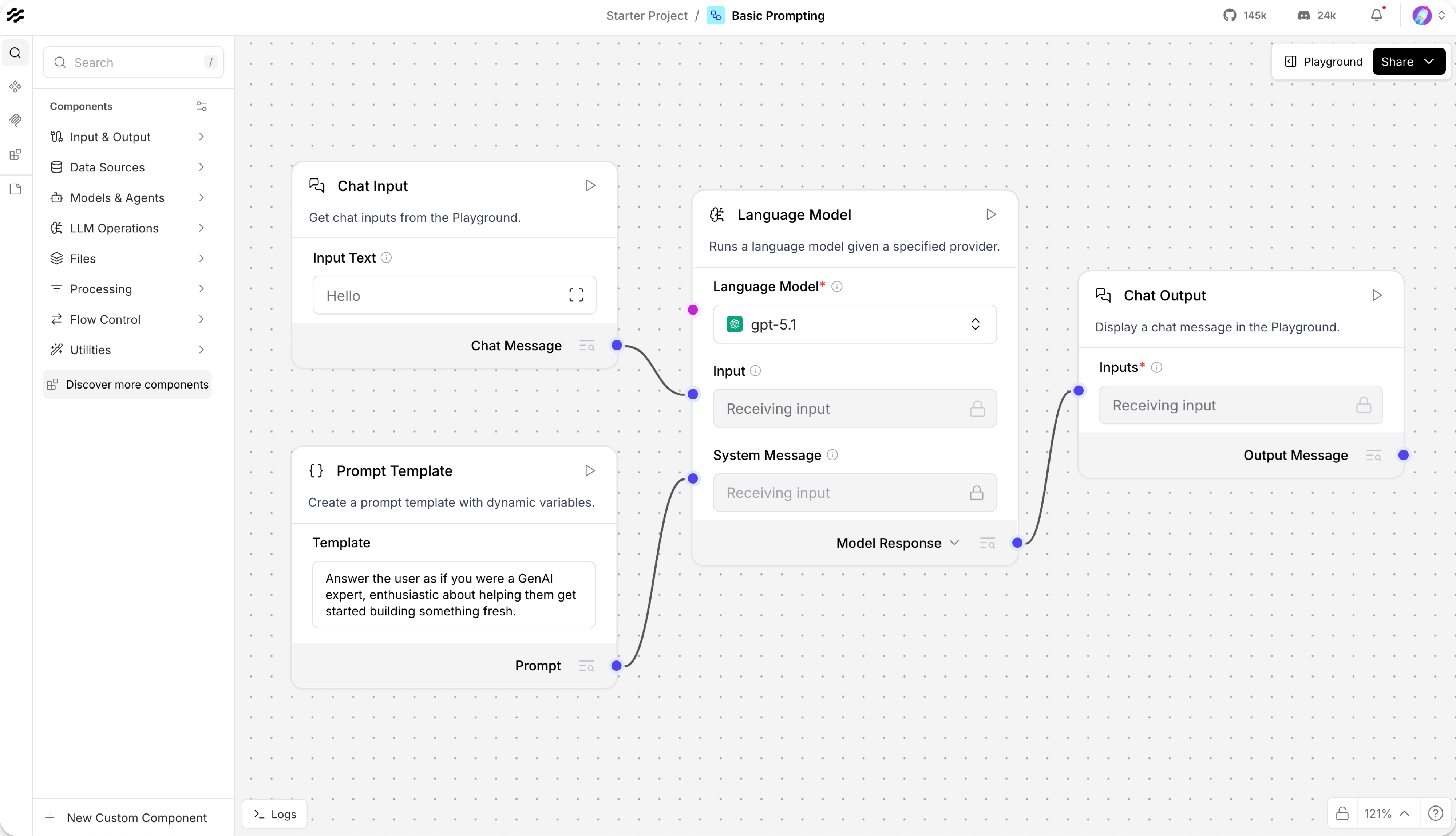
That distinction changes the decision. You do not need to panic-migrate every Flowise flow. You do need to stop treating upstream maintenance as a plan. The sensible sequence is freeze the current system, make the deployment reproducible, classify each flow, then decide whether to keep it, fork it, or rebuild it elsewhere.
The migration decision
There are four reasonable paths. Pick one per workflow, not one for the whole company.
| Path | Choose it when | Cost you are accepting |
|---|---|---|
| Freeze | The flow is stable, internal, and low risk | You own security patches, dependency failures, and model-provider changes |
| Fork | The flow is valuable and the current canvas is still the fastest way to maintain it | You are now maintaining a Node application with a large dependency graph |
| Move to Langflow | The flow is mainly an AI application, retrieval pipeline, agent, or MCP-connected service | You will rebuild nodes and translate state, credentials, and evaluation cases |
| Move to n8n | The flow is mostly business automation that happens to call an LLM | You trade an AI-first canvas for broader integration and operations work |
The official Langflow documentation describes it as a Python-based open-source framework with a visual editor, agents, MCP support, an API, deployment options, and custom components. The documentation currently labels the stable docs branch 1.12.x. That makes it the closest conceptual replacement when your Flowise canvas is an AI application. A retrieval chain, a tool-using agent, or a prompt pipeline maps more naturally there than to a general automation product.
n8n makes the opposite trade. Its hosting documentation lists Docker Compose and other self-hosted options, and says the product runs as the free Community edition without a license key. Its docs also say npm installation is deprecated from version 3.0. That is useful when the diagram is really an integration map: receive a webhook, look up a customer, call a model, write to a ticket system, and notify a person. n8n can call AI services, but its center of gravity is moving data between systems.
A fork is less romantic than it sounds. Flowise is a monorepo with server, UI, components, and API documentation modules. The official setup documentation describes Node.js prerequisites, Docker deployment, and a build process. A fork buys you control over the code, not a maintenance-free continuation. Before choosing it, ask who will review dependency updates, patch vulnerabilities, rebuild images, test model connectors, and answer when a provider changes its API. If the answer is nobody, you are choosing freeze, just with a more complicated failure mode.
Freezing is acceptable for a bounded internal tool if you can tolerate a fixed model connector and you have a real backup. It is a bad choice for a customer-facing system, a workflow that handles sensitive data, or an agent with write access to production systems. The deadline does not create those risks. It removes the upstream team that used to absorb some of them.
A safe exit sequence
Do not start by rebuilding the canvas. Start by making the existing deployment boring and recoverable.
First, record the exact version, image digest or package version, Node runtime, database setting, environment variables, model providers, vector stores, external tools, and callback URLs. Keep secrets out of the inventory. Record the secret names and where they are stored instead. A screenshot of a Flowise canvas is not a migration artifact. It tells you the shape of the graph but not the prompt variables, credentials, metadata filters, retry behavior, or hidden provider defaults.
Second, take a restorable backup. If the instance uses a persistent Docker volume, stop writes, snapshot or copy the volume, and store the backup outside the host. If you run the npm installation, archive the Flowise data directory and keep the package lockfile and runtime version beside it. The official setup guide shows that Flowise can run locally with Node.js or through Docker, but it does not turn either option into a backup policy. You still need to test a restore on a separate machine.
A simple Docker-shaped checklist looks like this:
# Record the running container and mounted volumes
docker ps --no-trunc
docker inspect flowise > flowise-container.json

# Export the image reference before changing anything
docker image ls flowise

# Stop writes before copying persistent data
docker compose stop flowise

# Replace this source with the actual host path or named-volume mount
tar -czf flowise-data-backup.tgz /path/to/persistent/flowise-data

# Bring the frozen copy back only for verification
docker compose start flowise
The tar line is deliberately a placeholder. Do not copy a command from a random migration post and assume /root/.flowise is your data path. Inspect the mount declared by your own Compose file first. Some hosting templates use /root/.flowise, but the path belongs to the deployment, not to the abstract product. Restore the archive into an isolated test instance and prove that a chat, a retrieval query, a tool call, and an error path still work.
Third, export the workflow definitions and collect test fixtures. Save representative inputs, expected output properties, source documents, retrieval filters, tool permissions, and failure cases. Do not settle for "the bot answered." Write down what a passing run means. For a retrieval flow that might mean the answer cites the right document and refuses a question outside the corpus. For a support workflow it might mean the ticket is updated exactly once and a human approval is required before an email is sent.
Fourth, build a dependency table. One row per flow is enough at first. Include the model and version, embeddings model, vector database, custom components, webhooks, scheduled triggers, secrets, external APIs, and who owns the workflow. Mark each dependency as replaceable, pinned, or business-critical. This exposes the real migration scope. Recreating ten nodes is easy. Recreating one undocumented custom component that quietly strips metadata is not.
Fifth, run a small bakeoff rather than a full rewrite. Pick one representative flow, not the easiest demo. Rebuild its narrowest useful path in Langflow and n8n only if both are plausible. Measure setup time, output correctness, retrieval quality, error handling, and operator visibility. The winner is not the one with the most nodes. It is the one a person on call can understand at 2 a.m.
What survives the rebuild
The canvas is the least portable part of a Flowise project. The valuable parts are the contract around it.
Keep prompts in version control. Keep evaluation inputs beside them. Keep the document chunking and metadata rules explicit. Keep tool schemas and permission boundaries in code or configuration that can be reviewed. Keep a record of the model parameters that affect behavior. If a replacement supports an import format, treat it as a head start, not proof of equivalence. Importers often preserve node names while dropping defaults, credentials, or edge behavior.
Test retrieval separately from generation. A migration can look successful because the new model writes fluent answers even when the retriever returns the wrong documents. Log the retrieved IDs and scores in the comparison harness. Compare the same fixtures on the old frozen Flowise instance and the candidate replacement. The output does not need to be byte-for-byte identical. It does need to meet the same acceptance rules.
Treat writes as a separate risk class. A read-only question-answering flow can stay frozen longer than a workflow that creates invoices, edits CRM records, or sends customer messages. For action flows, require idempotency keys, explicit approval where appropriate, and a replay test. If the new system cannot show what it would do before doing it, it is not ready just because the happy path works.
The most defensible default is simple: freeze low-risk flows, fork only when the Flowise runtime itself is a strategic asset, use Langflow for AI-native graphs, and use n8n when the hard part is integration. Preserve the old system until the replacement passes the same fixtures and failure tests. A shutdown date is a reason to remove hidden dependencies, not a reason to rebuild blindly.
Sources
- Flowise sunset announcement: official code-freeze, archive, and end-of-life dates, plus the Apache 2.0 fork guidance
- Flowise getting started documentation: official Node.js, npm, Docker, and repository setup paths
- Langflow documentation: Python-based visual flows, agents, MCP, APIs, deployment, and custom components
- n8n hosting documentation: self-hosting methods and Community edition behavior
- Flowise GitHub repository: archived source repository and module layout