Most receipt scanners are cloud apps wearing a friendly user interface. That is fine until the document is a tax form, a medical bill, or an invoice with a bank account number on it. Paperless-ngx gives you a private archive and searchable OCR. Ollama can add local vision extraction when the normal text layer is not enough. The useful setup is smaller than the giant “AI document platform” diagrams suggest.
The trick is to keep AI away from the parts that already work. Let Paperless-ngx ingest, index, search, and retain the original file. Call a local vision model only for scanned pages or fields that need interpretation. Then validate the returned JSON before anything touches your bookkeeping system.
The local pipeline
Start with Paperless-ngx alone. Its own project describes it as a searchable online archive for physical documents, and its recommended deployment path is Docker Compose. The project also gives a blunt warning that matters more than most AI setup guides: documents are stored in clear text, so the safe place to run it is a server you control, with backups.
A basic flow looks like this:
phone scan or PDF
        |
        v
Paperless-ngx consume directory
        |
        +--> built-in OCR and full-text search
        |
        +--> tag only the documents that need vision OCR
                         |
                         v
                 Ollama vision model
                         |
                         v
              validated fields and corrected text
A repeatable community setup puts Paperless-ngx on port 8000, Ollama on its local API, and optional Paperless-AI or Paperless-GPT services beside them. Do not expose those ports directly to the public internet. Use a VPN or a private network. The point of local processing disappears quickly if the archive is reachable from every scanner on the internet.
For the first pass, create a few explicit tags instead of sending every document through a model:
scan: a physical scan that may need vision OCRdigital: a born-digital PDF that already has a text layerai-ocr: run vision OCR and write the result backai-fields: extract fields such as vendor, date, subtotal, tax, and totalneeds-review: a human must check the result
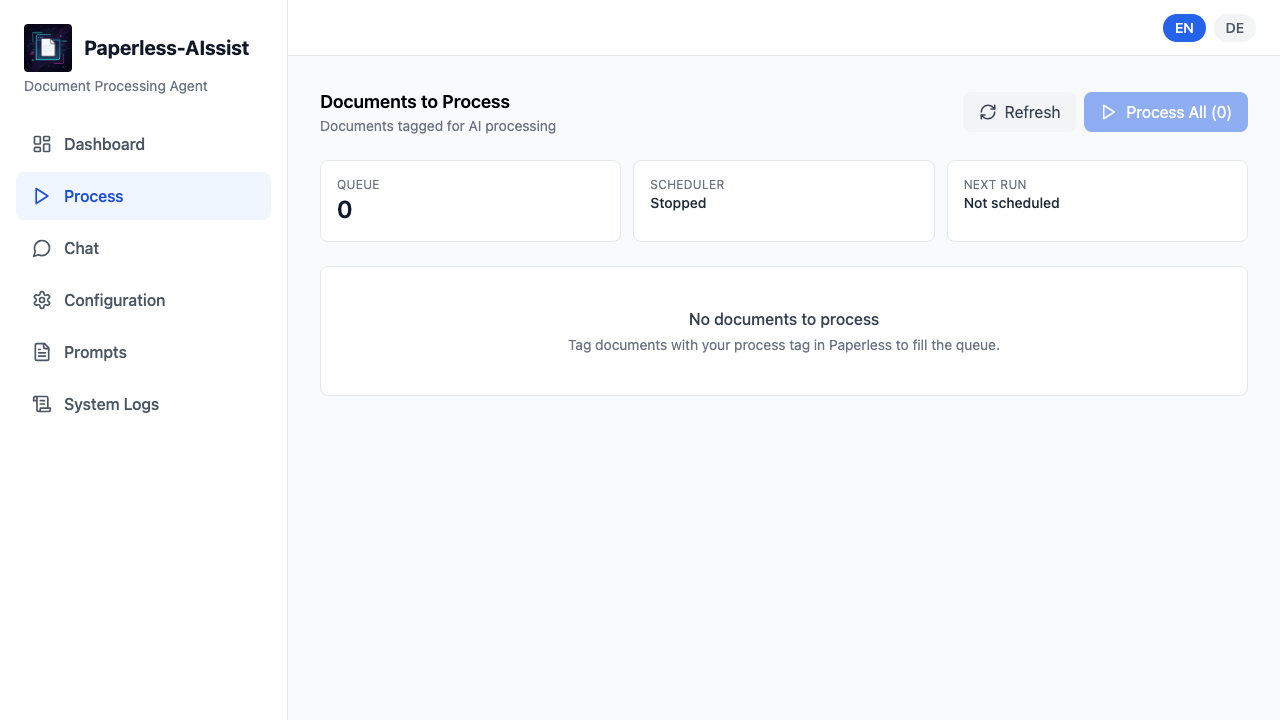
Paperless-GPT already uses this general pattern. Its documentation lists separate automatic and manual tags, an OCR provider setting, an Ollama vision model, a request-per-minute limit, and a retry limit of 3. A related Paperless-AIssist workflow makes the sequence explicit as 4 stages: vision OCR, error correction, classification, and field writing. That is a better design than one “process everything” button. Tags become a cheap control plane. A normal PDF can stay on the fast path. A crooked receipt can take the slow path.
The smallest useful deployment is therefore not “install six AI containers.” It is Paperless-ngx plus Ollama, with a companion such as paperless-gpt only when you want the integration work done for you. Start with one folder and ten representative documents. Include a clean digital invoice, a phone photo, a wrinkled receipt, a multilingual document, and a PDF with a table. If the workflow cannot handle those, adding more models will not fix the design.
Make the model return data you can reject
A prose answer is the wrong interface for receipt extraction. Ask for a schema and reject anything that does not validate. Ollama's structured-output documentation supports passing a JSON schema in the format field. Its vision example also sets the temperature to 0, which makes the output more repeatable.
A minimal receipt schema can look like this:
{
  "vendor": "string or null",
  "purchase_date": "YYYY-MM-DD or null",
  "currency": "ISO code or null",
  "subtotal": "number or null",
  "tax": "number or null",
  "total": "number or null",
  "line_items": [
    {"description": "string", "quantity": "number or null", "amount": "number or null"}
  ],
  "confidence": "number between 0 and 1",
  "needs_review": "boolean",
  "review_reason": "string or null"
}
The model should not be allowed to “repair” arithmetic silently. Add a deterministic check after parsing:
from decimal import Decimal

if subtotal is not None and tax is not None and total is not None:
    difference = abs(Decimal(str(subtotal)) + Decimal(str(tax)) - Decimal(str(total)))
    if difference > Decimal("0.02"):
        needs_review = True
        review_reason = "subtotal plus tax does not match total"
That one check catches a class of errors that a fluent model will happily hide. A missing decimal point, a handwritten tax amount, or a receipt where the total includes a discount should become a review task, not a confident database write.
Keep the original image and the raw model response. Store the normalized fields separately. You want to be able to answer three questions later: what did the camera see, what did the model return, and what did your validation code accept? If you overwrite the source with only the cleaned JSON, debugging becomes archaeology.
For scanned PDFs, process page images rather than assuming the model can understand the entire file in one request. The paperless-gpt documentation describes page-image processing for local OpenAI-compatible runtimes and a setting to skip PDFs that already contain OCR. That is exactly the kind of routing rule a private workflow needs. Digital PDFs should not pay the vision cost again.
Where the recipe breaks
The first failure is access control. Paperless-ngx itself says the archive stores sensitive documents in clear text. Local inference protects the network boundary, but it does not encrypt the archive for you. Put the app behind a VPN, use strong accounts, restrict Docker volumes, and test restores. “It never leaves my server” is not the same as “it is secure.”
The second failure is document quality. Community reports around local Paperless integrations describe good results for dates, document types, and correspondents, with weaker results for ambiguous theme tags and messy scans. A 14B local model can be enough for metadata, but a small vision model can still invent text in a badly lit image. A review tag is not optional for money fields.
The third failure is over-processing. A Paperless-ngx issue documents that a “Document Added” workflow can run before OCR text and automatic matching are ready, despite the name suggesting otherwise. If your automation depends on extracted content, make the trigger explicit and inspect the resulting tags. Do not assume event names describe the full processing lifecycle.
The fourth failure is large documents. One Hacker News user reported a local OCR and search pipeline that took about one minute to process a document, while another reported connection timeouts on a 40-page PDF before increasing the timeout. Those are not contradictory results. They are a reminder to set a page limit, process large files asynchronously, and keep a retry log. A local model can be private and still be slow.
The fifth failure is treating the model as the accountant. Use the model to read pixels and propose fields. Use code to check dates, currency formats, totals, duplicate hashes, and required fields. Route low-confidence or inconsistent results to needs-review. The model is the fuzzy front end. Your validation layer is the part that gets to touch the ledger.
A setup you can actually maintain
- Deploy Paperless-ngx with Docker Compose and verify ingestion before adding AI.
- Install Ollama on the same private host or a trusted machine on the LAN.
- Pull one small vision model first. Measure it on ten real documents before choosing a larger one.
- Create separate tags for metadata, OCR, and field extraction.
- Use a JSON schema, temperature 0, and a parser that rejects malformed output.
- Add deterministic checks for totals, dates, duplicate files, and missing vendors.
- Save the original document, raw response, normalized record, and review reason.
- Keep a small evaluation folder and rerun it after changing models or prompts.
That last step is where most home setups quietly fail. The first successful scan creates false confidence. Keep the ugly documents. If a new model improves clean invoices but breaks handwritten receipts, you want to see that before tax season.
Try this with ten documents, not your whole archive. Keep the default Paperless OCR path as the baseline. Add Ollama only to the tagged exceptions. If the local model earns its place, you will know which pages it rescued and which ones still need a person.
Sources
- Paperless-ngx project README: Docker Compose deployment, archive purpose, and the warning about clear-text document storage
- Ollama structured outputs documentation: JSON schemas, vision extraction, validation, and temperature 0 guidance
- paperless-gpt repository: local Ollama OCR settings, tag-controlled processing, retries, and page-image handling
- Paperless-AIssist repository: modular tags, separate text and vision providers, and automation endpoints
- Paperless-ngx community discussion: a real local processing pipeline and its reported limits
- Hacker News local OCR discussion: processing-time reports and practical self-hosting feedback
- Techno Tim's Paperless-ngx local AI setup: a repeatable Docker stack, port map, workflow tags, and troubleshooting notes